
Looking up drug information shouldn’t require a phone call to the FDA. If you’re a pharmacist, a healthcare provider, or even a patient trying to verify approval details, Drugs@FDA is the free, official source you need. It holds the complete regulatory history of nearly every prescription and over-the-counter drug approved in the U.S. since 1939. No registration. No fees. Just direct access to the same documents FDA reviewers use.
What You’ll Find in Drugs@FDA
Drugs@FDA isn’t just a list of drug names. It’s a digital archive of the entire approval process. For drugs approved since 1998, you get full access to:
- The official prescribing information (label) - exactly as submitted to and approved by the FDA
- Approval letters and review summaries from FDA medical and pharmacology teams
- Patient Medication Guides and Instructions for Use
- Correspondence between the drug manufacturer and the FDA
- Application numbers (NDA, ANDA, BLA) and approval dates
For older drugs (approved before 1998), the database still gives you approval dates and basic labeling, but not always the full review package. The database updates daily, so new approvals, label changes, and safety updates appear within 24 hours.
It covers all human drugs - small molecules, generics, biologics, and combination products. But it doesn’t include animal drugs. Those are in a separate system called Animal Drugs@FDA.
How to Search: Three Ways to Find What You Need
You don’t need to be a regulatory expert to use Drugs@FDA. But you do need to know which search method to use - because not all searches work the same way.
1. Use the Main Search Box (Best for Most Users)
On the homepage, there’s a simple search box. Type in:
- A brand name (like Advil or Lipitor)
- An active ingredient (like ibuprofen or atorvastatin)
- An application number (like NDA 020493)
Hit Enter. Results appear in seconds. The system returns every product matching your term - brand names, generics, and combinations - all in one list. This is the most reliable way to find everything related to a drug.
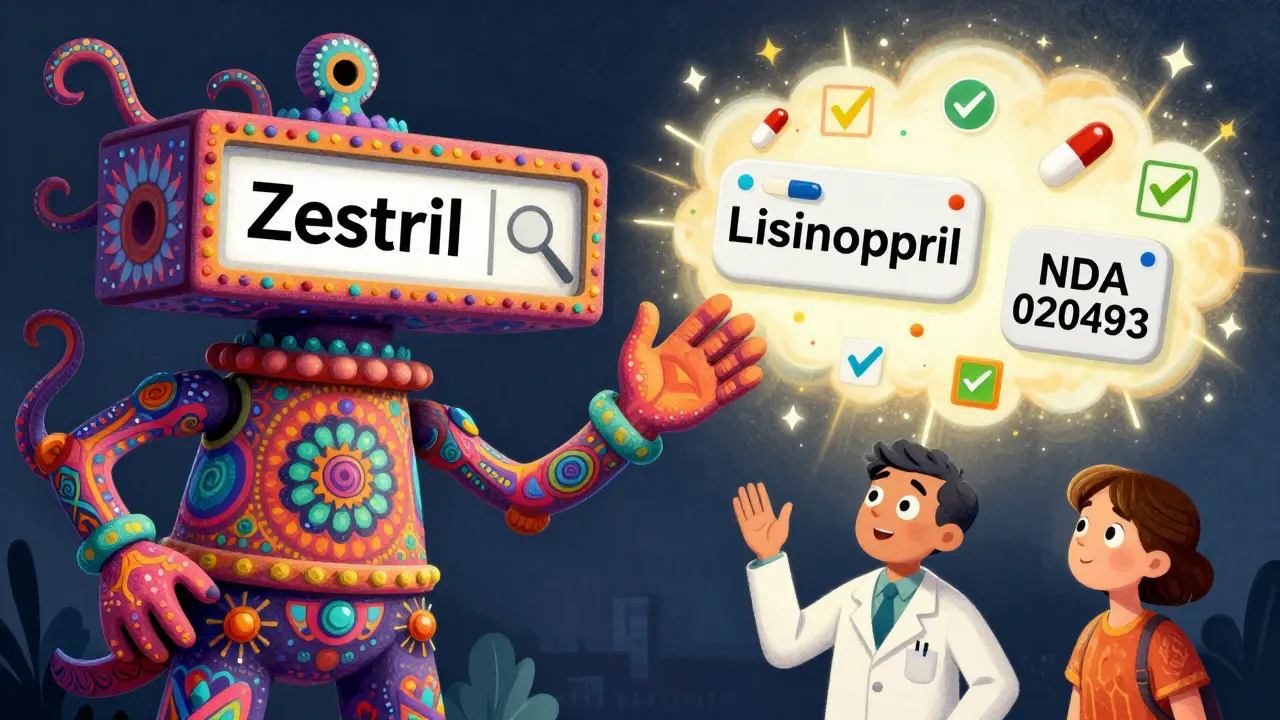
For example, if you search for lisinopril, you’ll see Zestril, Prinivil, Qbrelis, and combination products like Zestoretic. That’s because the main search looks across all fields: proprietary names, active ingredients, and application details.
2. Use the A-Z Index (Use with Caution)
There’s also an A-Z list of drug names under the “Browse” section. But here’s the catch: this search only returns drugs whose established (generic) name matches your search term exactly.
Searching for LISINOPRIL in the A-Z index won’t show you Prinivil or Zestril. It won’t show Zestoretic either, even though it contains lisinopril. The A-Z index ignores brand names and combination products.
It’s useful if you’re looking for a specific generic drug and know its exact name. But if you’re unsure, or if you’re checking whether a brand name is approved, skip the A-Z list. Rely on the main search box instead.
3. Search by Application Number (For Experts)
If you have the NDA, ANDA, or BLA number - usually found on FDA letters or in regulatory filings - enter it directly into the search box. This is the most precise way to pull up a specific drug’s full approval package.
Application numbers look like:
- NDA 020493 (for a brand-name drug)
- ANDA 204931 (for a generic)
- BLA 125070 (for a biologic)
This method is especially helpful for pharmacists verifying generic substitution or researchers tracking a drug’s approval timeline.
What Drugs@FDA Doesn’t Do - And What to Use Instead
Drugs@FDA is powerful, but it’s not the only tool. Other FDA databases handle specific needs better.
- FDALabel lets you search within drug labels for specific sections - like “BOXED WARNING,” “ADVERSE REACTIONS,” or “DOSAGE FORM.” It has over 150,000 labeling documents. Use this if you need to find exact wording in prescribing info.
- The Orange Book tells you which generic drugs are therapeutically equivalent to brand-name drugs. It also lists patents and exclusivity periods. Use this when checking if a generic is approved for substitution.
- The Purple Book covers biological products - like insulin, vaccines, and monoclonal antibodies. Drugs@FDA includes biologics, but the Purple Book gives you detailed biosimilar information.
Think of Drugs@FDA as your starting point. It gives you the full story: when a drug was approved, who made it, and what the FDA reviewed. Then, if you need deeper details - like patent expiration or exact label wording - switch to FDALabel or the Orange Book.
Real-World Uses: Who Uses This and Why
Pharmacists use Drugs@FDA daily to answer patient questions like:
- “Is this generic really approved by the FDA?”
- “When did this drug first come on the market?”
- “Why does my prescription say ‘Zestril’ but the bottle says ‘lisinopril’?”
Doctors use it to confirm a drug’s approval status before prescribing, especially for newer or less common medications.
Researchers rely on it for systematic reviews, checking whether a drug was approved under a New Drug Application (NDA) or an Abbreviated New Drug Application (ANDA). That affects how they interpret clinical data.
Even patients use it. Someone on a new medication can look up the official label, read the warnings, and understand what side effects are documented - not just what they hear from a sales rep.
Common Mistakes and How to Avoid Them
Even experienced users trip up. Here are the most frequent errors:
- Using the A-Z index instead of the main search - This misses brand names and combination products. Always use the homepage search box unless you’re certain you only need the generic name.
- Searching for “drug name” when you need the ingredient - If you’re looking for all drugs with metformin, type “metformin,” not “Glucophage.”
- Expecting full documents for pre-1998 drugs - Older approvals may only show approval dates and basic labels. Don’t assume missing documents mean the drug isn’t approved.
- Confusing Drugs@FDA with DailyMed - DailyMed has the same labels, but it’s a different system. Drugs@FDA includes the full approval package - DailyMed doesn’t.
If you can’t find what you’re looking for, double-check the spelling. Try variations. And if you’re still stuck, the FDA offers free training videos and downloadable guides on their Drug Approvals page.
Why This Matters
Drugs@FDA exists because the FDA wants transparency. Before this database, getting approval documents meant filing a Freedom of Information Act request - a process that could take weeks. Now, anyone with internet access can see the same records regulators use.
It’s not just about convenience. It’s about trust. When patients, providers, and researchers can see exactly what the FDA reviewed - the data, the reviews, the decisions - it builds confidence in the system.
With over 500,000 unique users each month, Drugs@FDA is one of the most used FDA resources. And it’s free, reliable, and updated daily. Whether you’re verifying a prescription, researching a drug’s history, or just curious about how approval works - this is the place to start.
Can I search for a drug by its manufacturer in Drugs@FDA?
No, Drugs@FDA doesn’t let you search by manufacturer name. You can only search by drug name, active ingredient, or application number. But once you find a drug, the manufacturer’s name appears in the product details under "Applicant/Manufacturer."
Are all generic drugs listed in Drugs@FDA?
Yes. All approved generic drugs are included, as long as they were approved after 1939. Each generic has its own ANDA number. If you can’t find a generic, try searching by the active ingredient - it might be listed under a brand name that contains it.
Is Drugs@FDA the same as DailyMed?
No. DailyMed provides the current drug label text, but it doesn’t include approval letters, review summaries, or application history. Drugs@FDA gives you the full regulatory file - including when and how the drug was approved. DailyMed is good for reading labels; Drugs@FDA is better for understanding regulatory history.
Why can’t I find my drug in Drugs@FDA?
Your drug might not be approved by the FDA - it could be an OTC product not requiring approval, a compounded drug, or a foreign product not sold in the U.S. It might also be an animal drug, which is in a separate database. Double-check spelling, try the active ingredient, and remember that pre-1998 drugs may have limited documentation.
Does Drugs@FDA include over-the-counter (OTC) drugs?
Yes. OTC drugs approved under an NDA or ANDA are included. Many common pain relievers, antacids, and allergy meds are listed. But drugs that follow the OTC monograph system - like many basic antacids or cough syrups - may not have individual applications and won’t appear unless they were approved under a specific application.